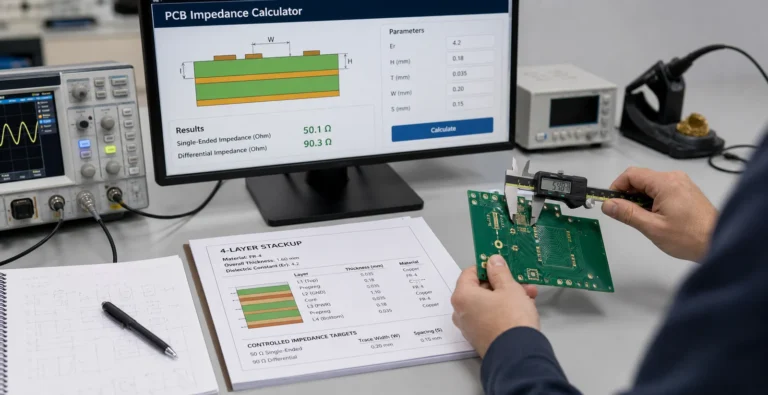
A PCB Impedance Calculator Is Only Useful If the Stackup Is Real
A PCB impedance calculator only helps when the stackup, copper, solder mask, and release assumptions still match the board that fabrication and assembly will actually build.

A PCB impedance calculator only helps when the stackup, copper, solder mask, and release assumptions still match the board that fabrication and assembly will actually build.
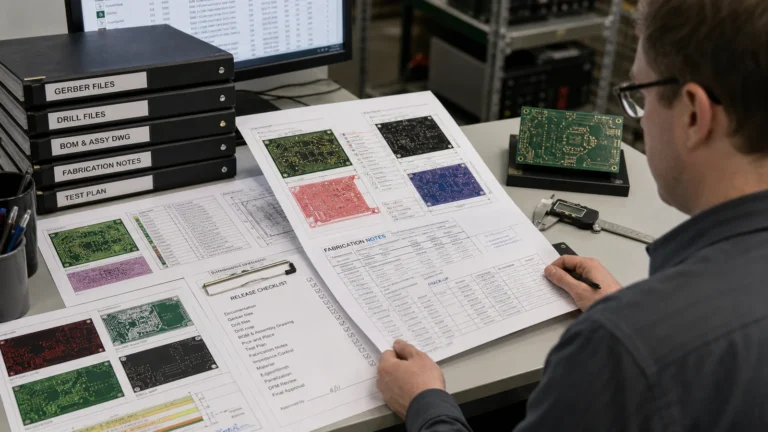
Gerber files only speed PCB fabrication when drill data, stackup notes, version control, and manufacturing intent are released as one coherent package.
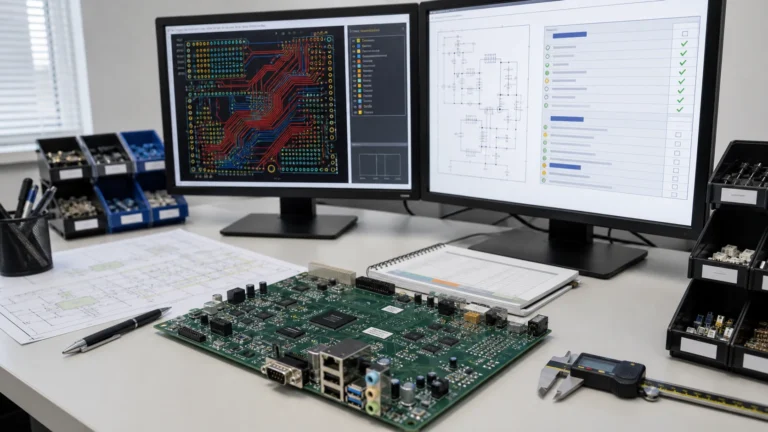
Moving a legacy Protel design into Altium Designer is not just a file-open task. This guide covers libraries, rules, polygons, outputs, and verification steps that keep old boards manufacturable after migration.

What is Keil μVision5? Keil µVision is the Windows-only desktop IDE and debugger included with Arm Keil MDK for Arm microcontroller development. It manages projects, builds, packs, flash programming and debug sessions; the compiler, device pack and debug adapter remain
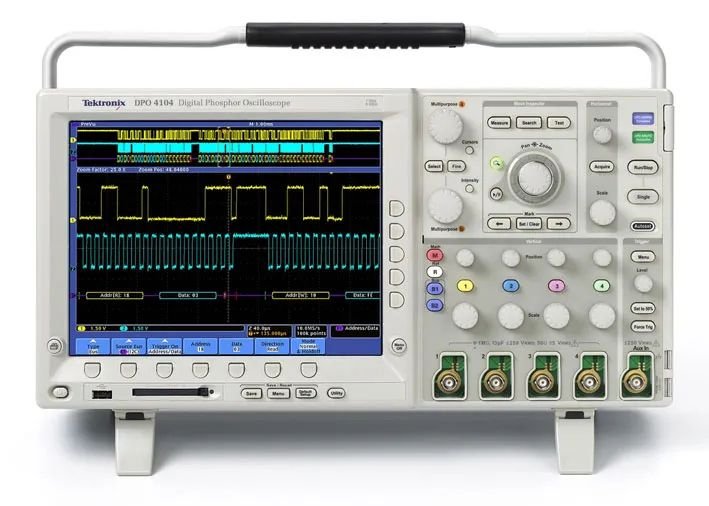
Master oscilloscopes: types, controls, and waveform analysis. Tips for troubleshooting circuits and optimizing settings. Essential tool for EE professionals. Learn now!

MPLAB X IDE is Microchip’s free desktop IDE for PIC, AVR, SAM and dsPIC development. It runs on supported Windows, Linux and macOS systems and integrates device packs, compilers and programmer/debugger tools. Microchip’s current product page recommends MPLAB for VS
QSPICE basics: how to simulate circuits, analyze waveforms, and debug designs. Tutorial for beginners and pros. Integrate with PCB tools like Eagle. Learn now!

Best embedded software: Linux, FreeRTOS, and IDEs like Keil/STM32Cube. Features, pricing, and use cases. Compare tools for your project.
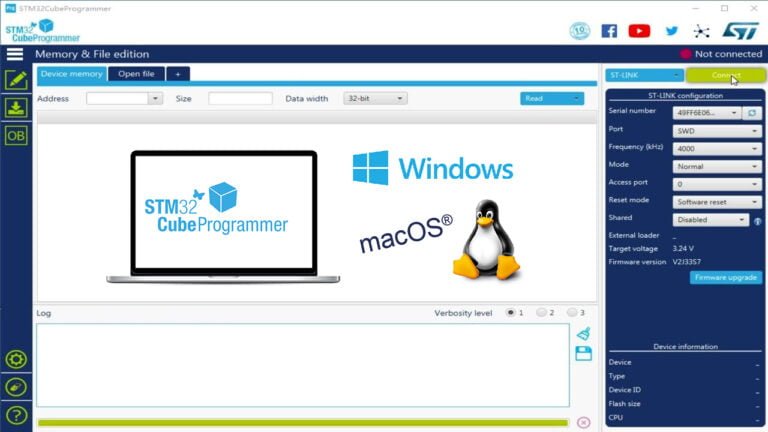
Introduction to STM32CubeProgrammer STM32CubeProgrammer is STMicroelectronics’ active, free, cross-platform development tool for reading, erasing, programming and verifying STM32 memory. It supports ST-LINK over SWD/JTAG and, on devices whose system bootloader implements them, UART, USB DFU, I²C, SPI or CAN. Use
Building an IAR Development Environment IAR Systems is a globally renowned provider of embedded system development tools and services. IAR for STM8 is an integrated development environment for STM8 microcontrollers developed by IAR. You can download it from the following