Altium BOM management usually looks under control right up to the moment purchasing starts asking questions the design team thought had already been answered. A capacitor value may be correct, but the package is still too loose. An approved alternate may exist in a designer’s notes, but not in the released BOM. A DNI part may still appear in a purchasing export. None of those failures come from the schematic alone. They happen when the BOM is treated as a passive report instead of a controlled handoff between design, sourcing, and assembly.
For PCB builds, the useful question is not “Can Altium generate a BOM?” It obviously can. The better question is whether the Altium BOM structure tells procurement and manufacturing exactly what can be bought, what must be assembled, what can be substituted, and what still needs engineering clarification. If that handoff is weak, the project absorbs the cost later through line stops, ECO churn, and avoidable first-article defects.
Why Altium BOM management fails during handoff
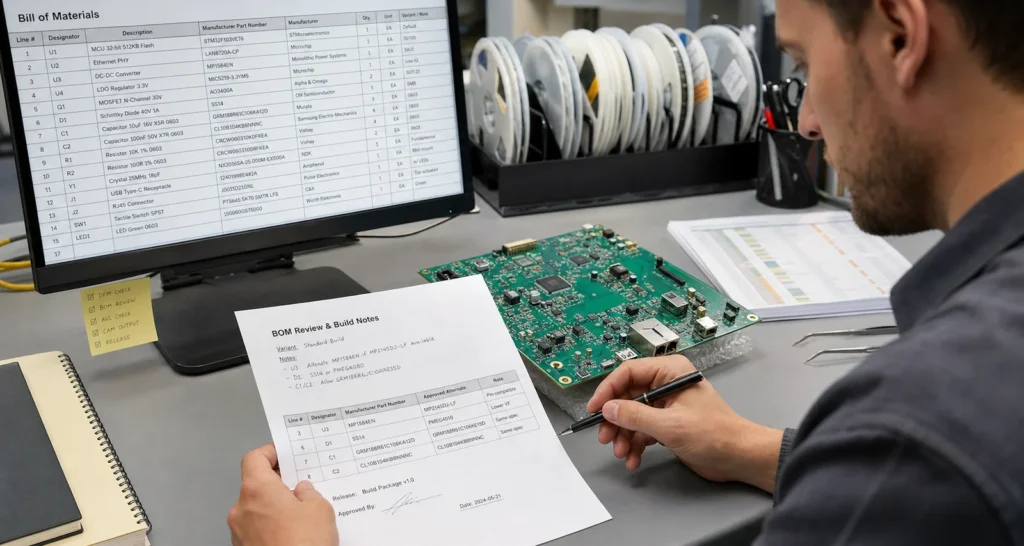
Most BOM trouble starts with field discipline, not with the export button. In many Altium projects, symbols and footprints are accurate enough for design review, but the supply chain fields are incomplete, inconsistent, or buried across libraries and local overrides. When that happens, the BOM still looks finished in Excel while critical build intent is missing.
Common failure points include mixed naming conventions, stale manufacturer part numbers, missing lifecycle flags, and vague descriptions such as “10k resistor 0402” without tolerance, voltage, or temperature assumptions. Those gaps matter because procurement has to guess whether alternates are acceptable, while assembly engineers need to know whether a substitution changes feeder setup, polarity risk, stencil behavior, or inspection criteria.
That is why Altium BOM management should be reviewed as part of build readiness, not only as a documentation step. The same discipline that improves a PCB BOM release package also reduces shop-floor improvisation later.
Build the BOM around assembly decisions, not just component names
A manufacturable BOM has to answer more than quantity and reference designators. It should also make clear how the board will be purchased, kitted, placed, soldered, inspected, and reworked. That means Altium data should support real assembly choices instead of stopping at electrical identity.
Lock the manufacturer part number before release
If one schematic item can map to several supplier listings, lock the approved manufacturer part number first. Distributor SKUs change constantly, but the manufacturer part number is what holds package geometry, finish, moisture sensitivity, and performance assumptions together. Without that anchor, buyers may source a part that is electrically close but mechanically awkward for the process window you planned.
Separate approved alternates from unreviewed substitutes
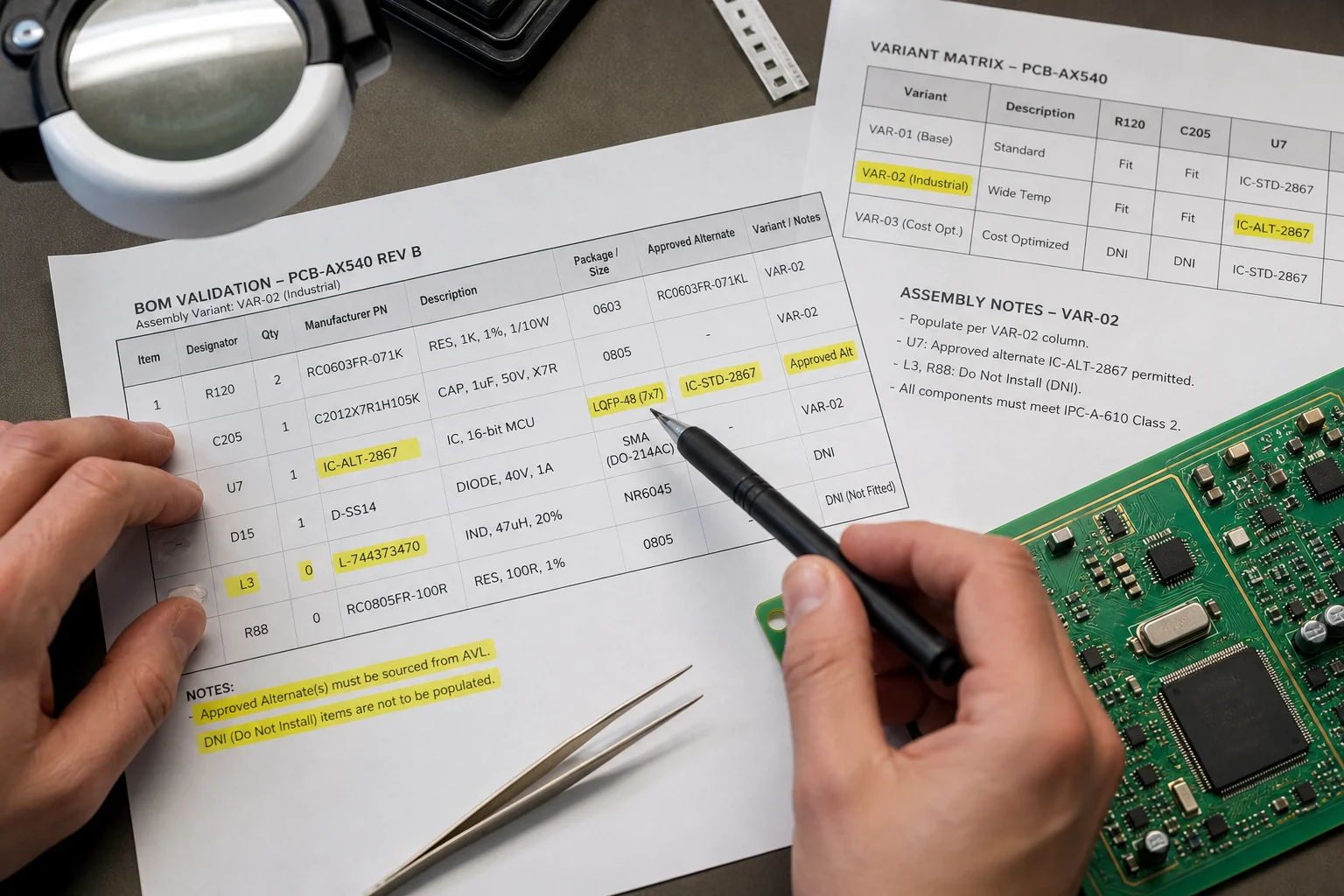
An alternate is not “anything with the same value.” For assembly, alternates must still fit the land pattern, stencil aperture strategy, height constraints, polarity markings, and inspection access. For power devices and thermal parts, even package-adjacent substitutions can change solder voiding behavior or rework temperature margin. If alternates are acceptable, document them explicitly. If they are not, make the single-source restriction obvious in the released BOM.
Control DNI and variant logic like production data
DNI parts, option codes, and regional variants are where Altium BOM management often leaks into confusion. A line marked “not fitted” inside a design review spreadsheet is not enough if the assembly export still pushes the component into kitting. Before release, confirm that variant outputs, pick-and-place data, and fabrication notes all agree. If they do not, the board may be built correctly electrically on paper but incorrectly on the actual line.
What to check in Altium before the BOM leaves engineering
A useful pre-release BOM review is short, but it has to be specific. The goal is not to admire a clean spreadsheet. The goal is to remove hidden ambiguity before procurement and assembly turn that ambiguity into cost.
Verify every fitted line has a valid manufacturer part number, package-consistent description, and quantity that matches the released variant.
Flag single-source or lifecycle-risk parts so buyers do not “solve” availability with an unreviewed replacement.
Check that footprint assumptions still match the approved part body, termination style, and thermal pad expectations.
Confirm DNI items are excluded correctly from the build variant, not just annotated in comments.
Review components that drive process risk: fine-pitch ICs, polarity-sensitive parts, tall connectors, large thermal pads, odd-form components, and moisture-sensitive packages.
Make sure the BOM export aligns with assembly notes, centroid data, and any approved AVL logic used by sourcing.
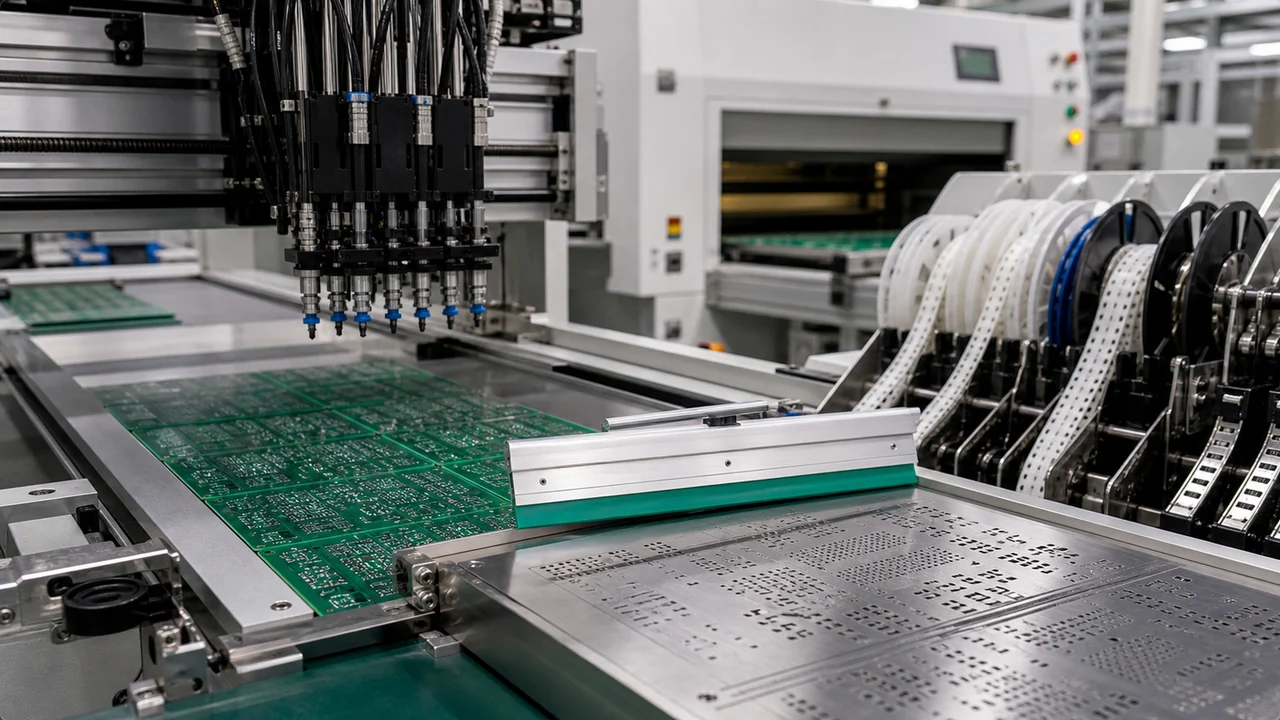
This review becomes more important when the board is headed into turnkey or full-service PCB assembly. Once procurement starts booking parts and manufacturing reserves feeder slots, every late correction becomes more expensive than it looked inside the CAD environment.
Where Altium helps and where the process still needs engineering judgment
Altium can centralize parameters, templates, and output formatting, but it does not decide whether your chosen fields reflect manufacturing reality. It will not warn you that a substitute in the same package changes derating margin. It will not tell you that a bottom-side connector complicates wave pallet design, or that an alternate MOSFET shifts thermal spreading enough to change rework survivability. Those are engineering judgments that must be captured in the BOM or its release notes before the file leaves design.
That is also why BOM management should stay connected to DFM and DFT thinking. If a component choice affects probe access, cleaning chemistry, X-ray necessity, hand-solder touch-up, or conformal coating clearance, the BOM release should support that decision path. Treating BOM data as detached from manufacturing makes the first article review noisier than it needs to be.
ReversePCB’s broader guidance on EDA workflow discipline matters here, but BOM quality is where CAD convenience meets factory consequence. A neat output format does not rescue a weak release package.
A practical release standard for Altium BOM management
If your team wants fewer purchasing escalations and fewer assembly surprises, use a simple rule: the BOM is not ready when it looks complete; it is ready when another team can act on it without guessing. In practice, that means locked manufacturer data, controlled alternates, variant clarity, process-sensitive notes, and one last comparison against what assembly will actually build.
That standard is less glamorous than library automation, but it prevents the real failure mode. Altium BOM management succeeds when it closes the gap between design intent and build execution before the board reaches the line.
FAQ
What should an Altium BOM include for PCB assembly handoff?
It should include validated manufacturer part numbers, fitted versus DNI status, approved alternates where allowed, quantity per assembly, and any notes that affect package fit, polarity, thermal handling, or inspection. If procurement or assembly still has to guess, the BOM is not ready.
Why is a distributor part number alone not enough in BOM management?
Distributor SKUs can change without preserving the exact package or lifecycle assumptions used in the design. The manufacturer part number is the safer control point because it ties the sourcing decision back to body size, termination style, and performance data that affect assembly and reliability.
How do variant errors show up on the factory floor?
They usually appear as wrong kitting, unexpected DNI placements, feeder confusion, or first-article mismatches between the build package and the board that was actually assembled. Variant mistakes are expensive because they are often discovered only after material has already been prepared.
Can Altium automate BOM quality by itself?
It can automate formatting and parameter collection, but it cannot replace engineering review. Teams still need to verify approved alternates, lifecycle risk, package compatibility, and any DFM or DFT consequences before releasing the BOM to sourcing or production.