PCB Software & Tools

Learn about the various software tools used in the PCB design and manufacturing process. From circuit simulation to PCB layout, this category covers essential software like Altium Designer, QSPICE, and KiCad. You’ll also find tutorials on how to effectively use these tools to create high-quality, manufacturable PCB designs. Whether you’re looking to simulate circuits, generate Gerber files, or optimize PCB footprints, this category has you covered.

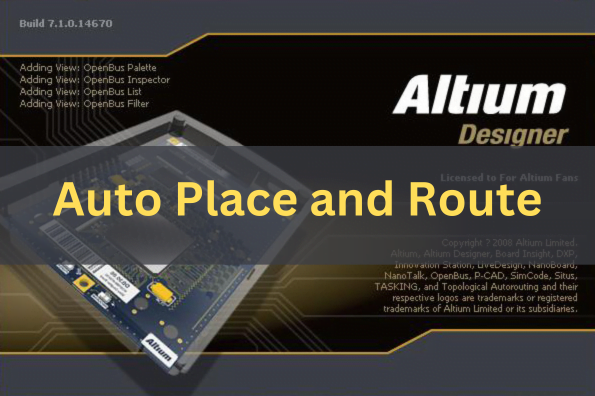
Auto Place and Route with Altium Designer

Auto Place and Route with Altium Designer

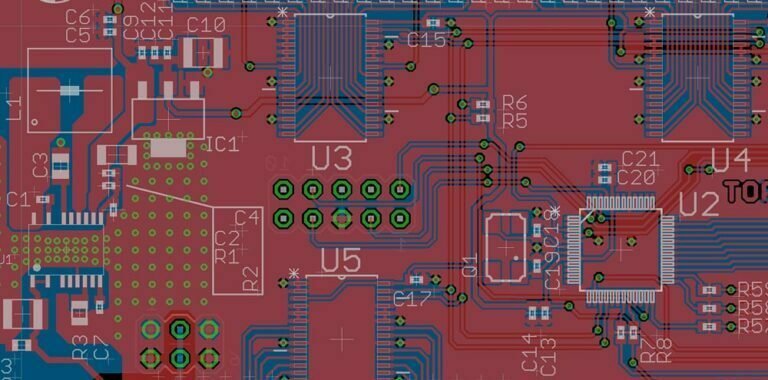
When designing a PCB, in order to improve efficiency, we need to learn how to automatically place and route our projects. In this tutorial, we will introduce the auto place and route in Altium Designer. Auto Placing Components 1. Select
Read more >
TouchGFX Designer Overview

TouchGFX Development Tutorial

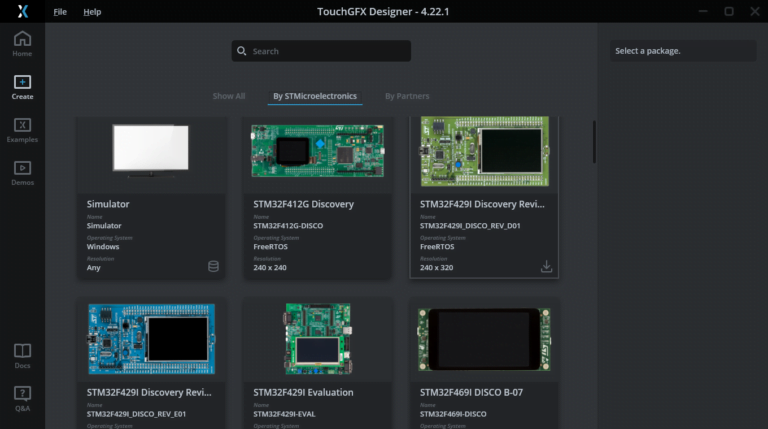
In the last article, we introduced how to install the TouchGFX software. Here, we introduce how to use STM32CubeMX to transplant TouchGFX to the STM32 development board F429IGT6 and drive the RGB screen. How to Transplant TouchGFX Project Using STM32CubeMX?

Read more >
Scroll to Top

Instant Quote

Scan the code