Tutoriel d'installation du logiciel TouchGFX Designer
Post Views: 3
Table des Matières
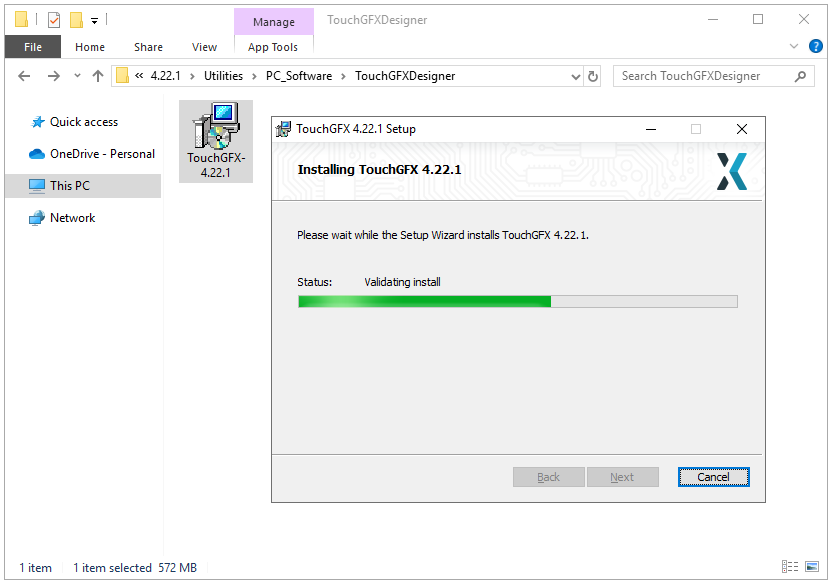
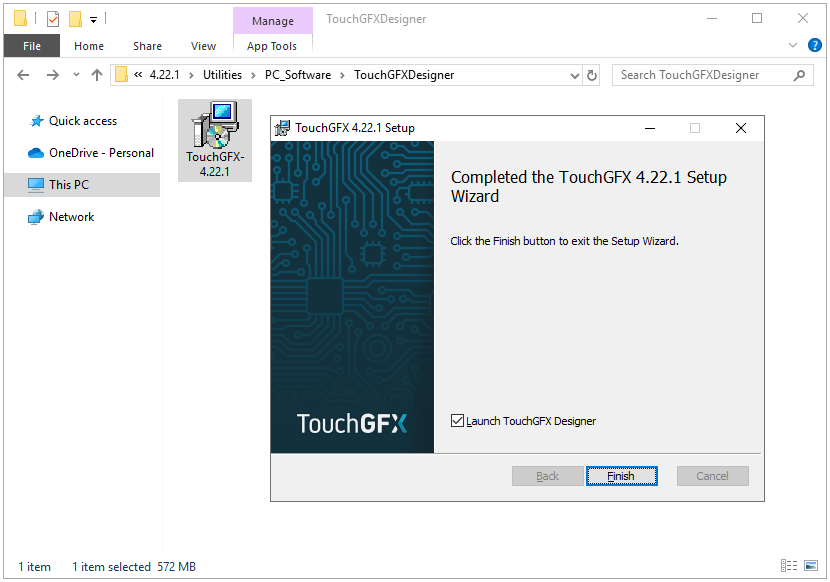
TouchGFX est similaire à STemWin. Il s'agit d'un framework GUI qui permet de créer facilement des applications GUI sur les puces STM32 Cortex-M4 et STM32 de niveau supérieur. Cet article a pour objectif de présenter le processus d'installation du progiciel TouchGFX. Avant cela, vous devez préinstaller STM32CubeMX.
Comment installer TouchGFX Designer ?
Télécharger TouchGFX Designer
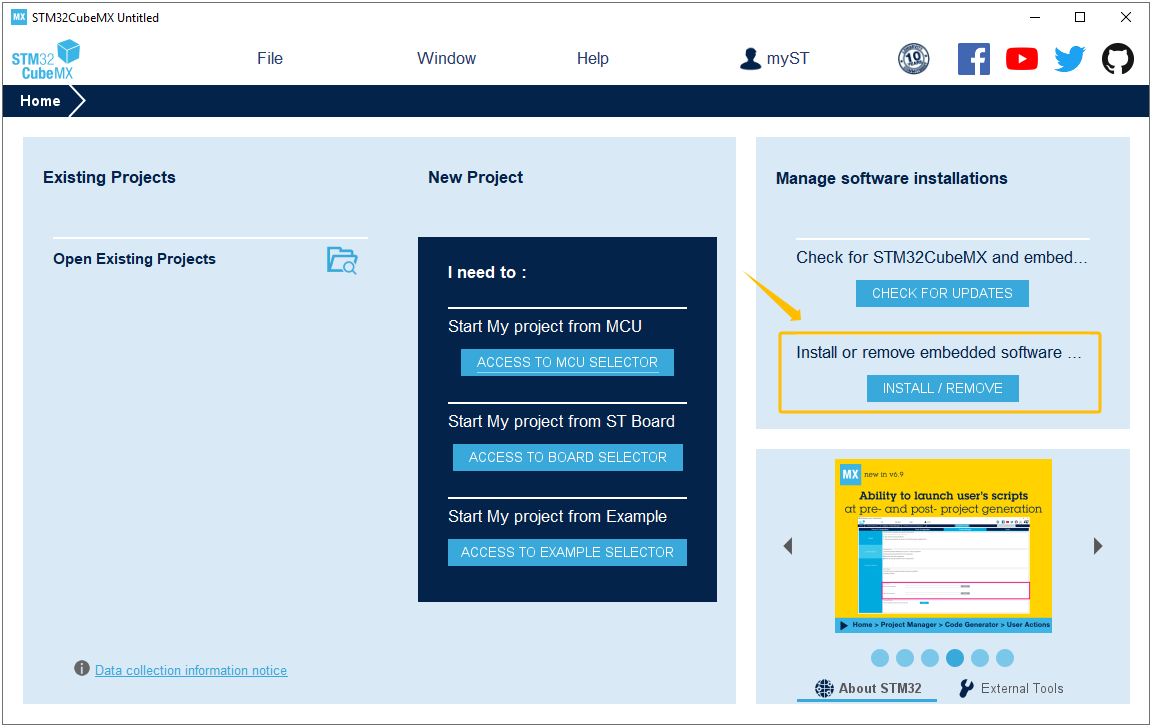
Ouvrez le logiciel STM32CubeMX et cliquez sur « Installer ou supprimer des paquets logiciels embarqués ».
Install or remove embedded software packages
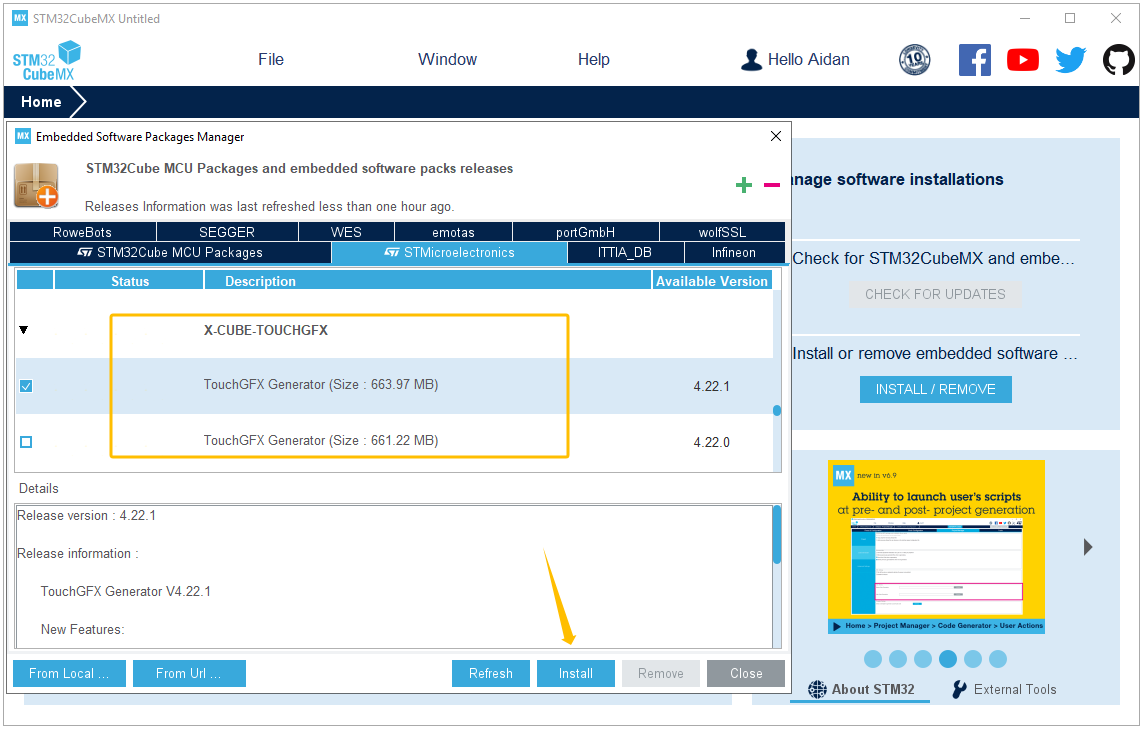
Recherchez le progiciel TouchGFX Generator et cliquez pour l'installer (vous devez vous connecter à votre compte STM32CubeMX avant l'installation).
Select TouchGFX Generator installation package
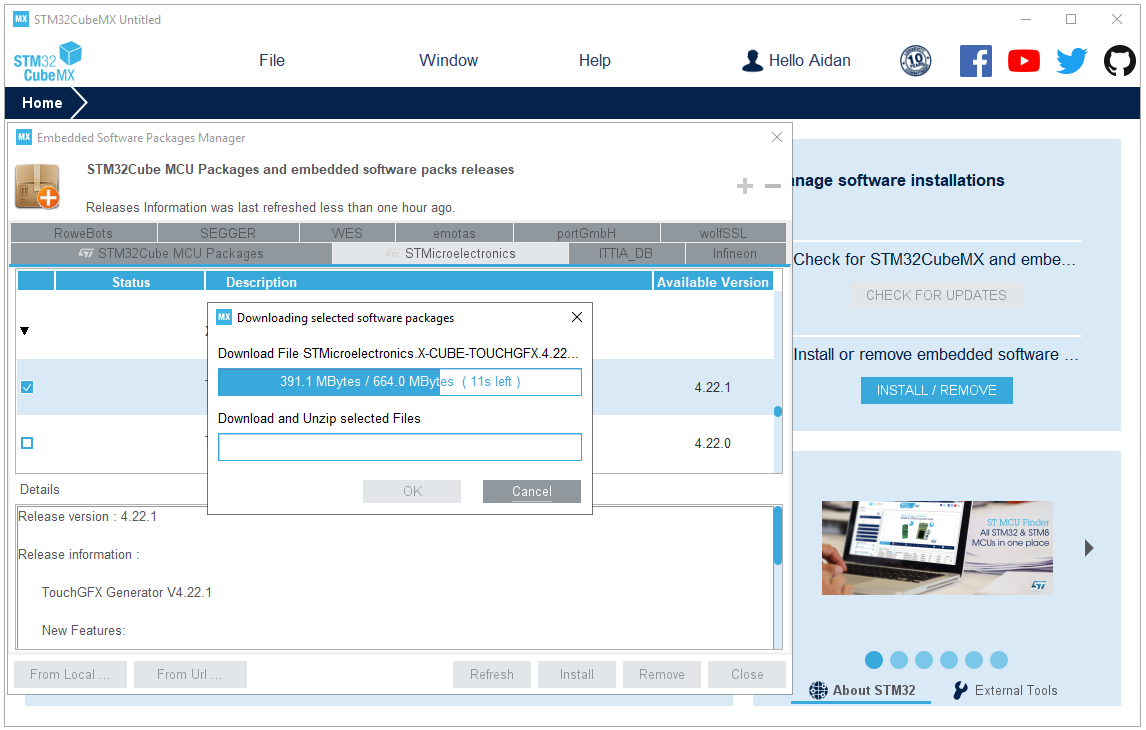
Téléchargez et décompressez le package TouchGFX.
Downloading selected software packages
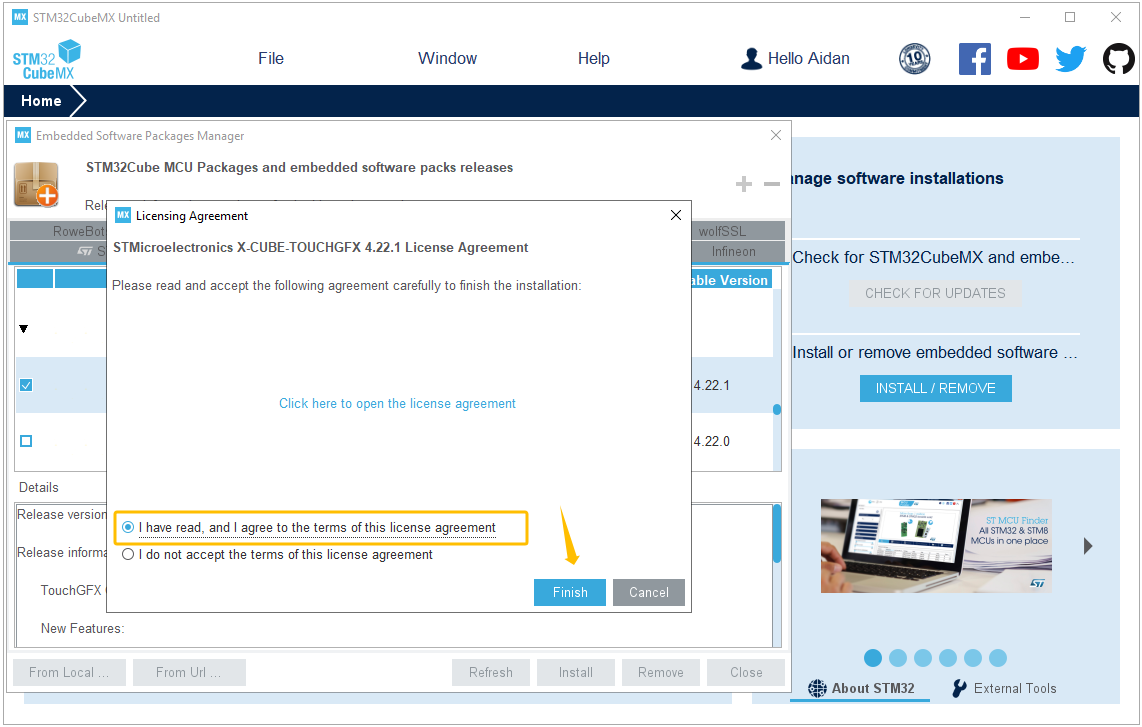
Acceptez les conditions du contrat de licence.
Accept the license agreement to finish the download
Installez TouchGFX Designer
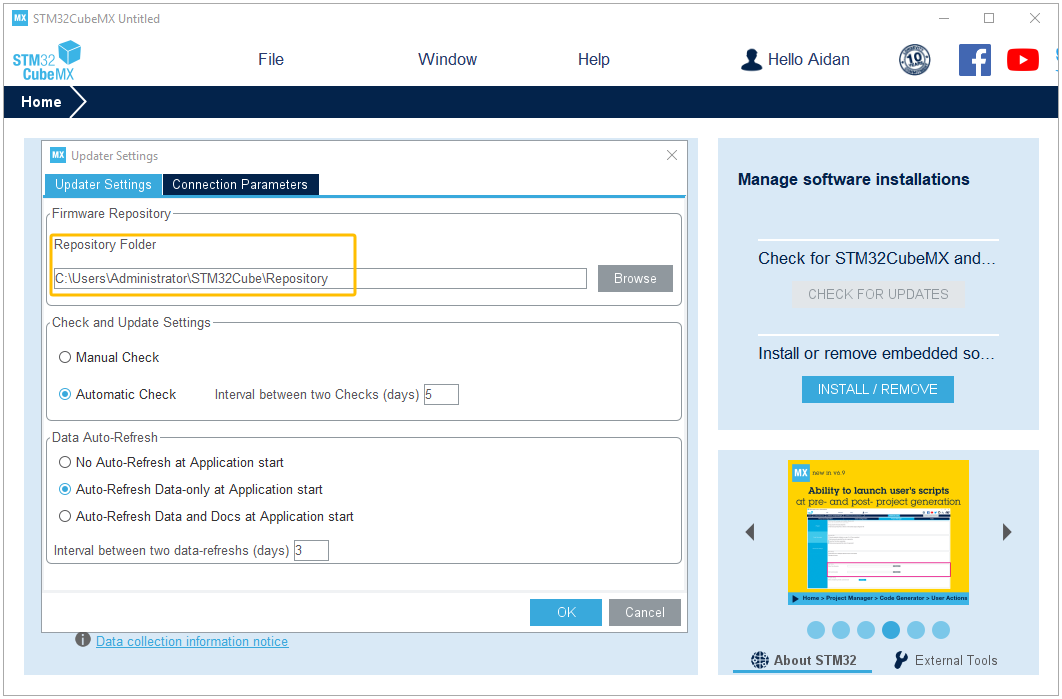
Cliquez sur « Aide << Paramètres de mise à jour » dans le menu STM32CubeMX, puis recherchez le progiciel TouchGFX selon le chemin suivant :
C:\Users\Administrator\STM32Cube\Repository
Locating the Repository Folder to find the TouchGFX package
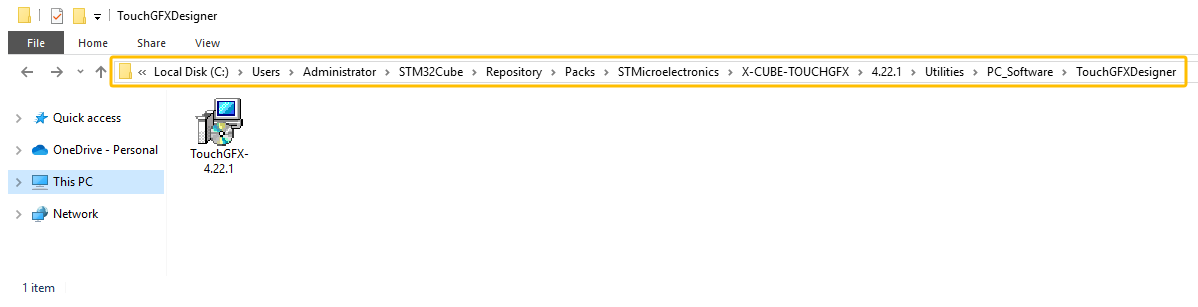
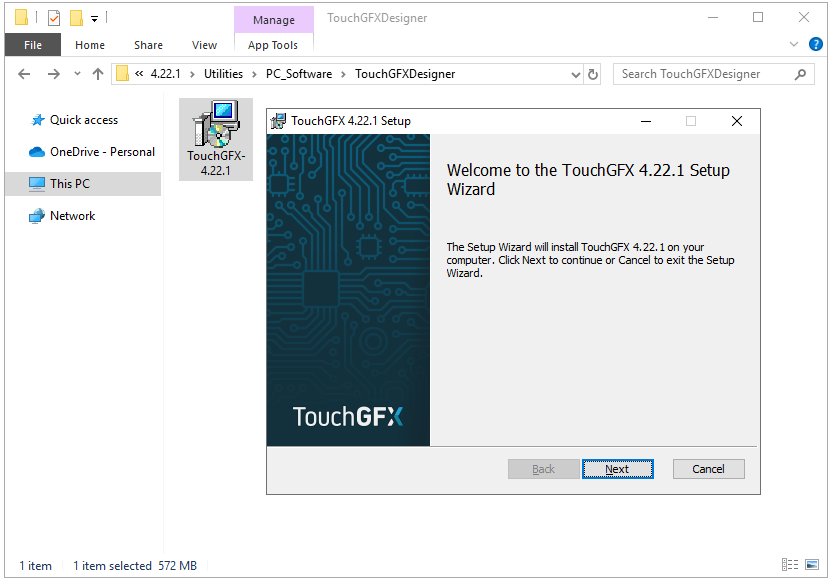
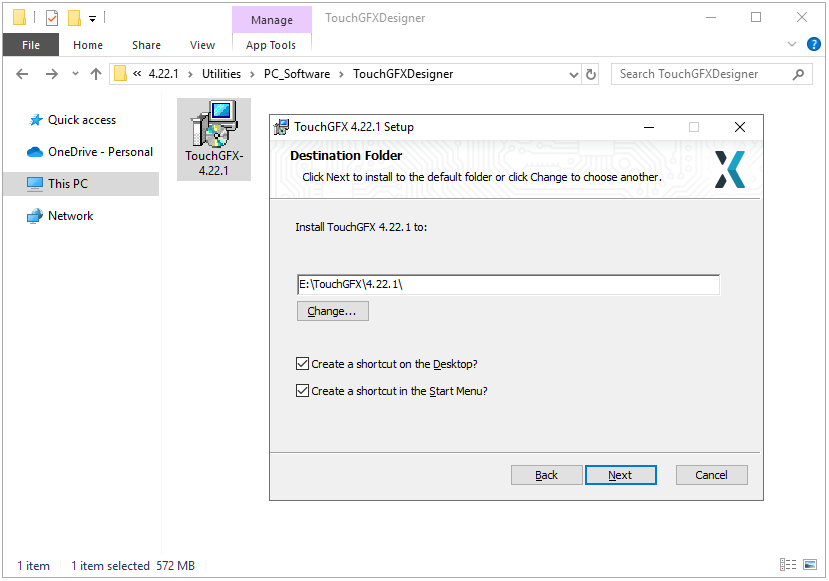
Le chemin d'accès final au package TouchGFX est le suivant :
Rejoignez notre liste d’abonnés pour obtenir mensuel blog des mises à jour, des nouvelles technologies, des études de cas. Nous n’enverrons jamais de spam, et vous pouvez vous désinscrire à tout moment.